The tab contains detailed scenario settings.
PATH: MRP > MRP Wizard > Select a scenario > click the Open button > Detail tab.
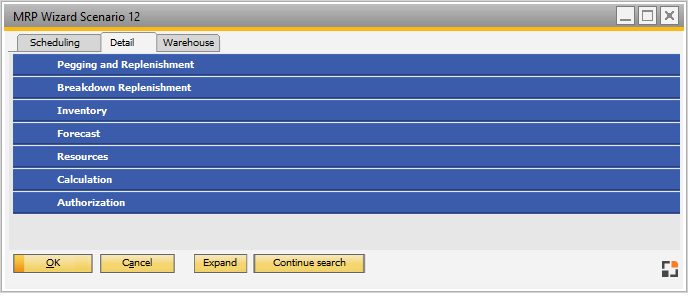
Window system_option_struktur.psr
Right-click function/Button:
History: Open the Change log for all entries.
History current entry: Open the Change log for the current entry.
Expand: Expand settings
Related settings: