Beas Manufacturing › Documents › Work Orders > "+" Create
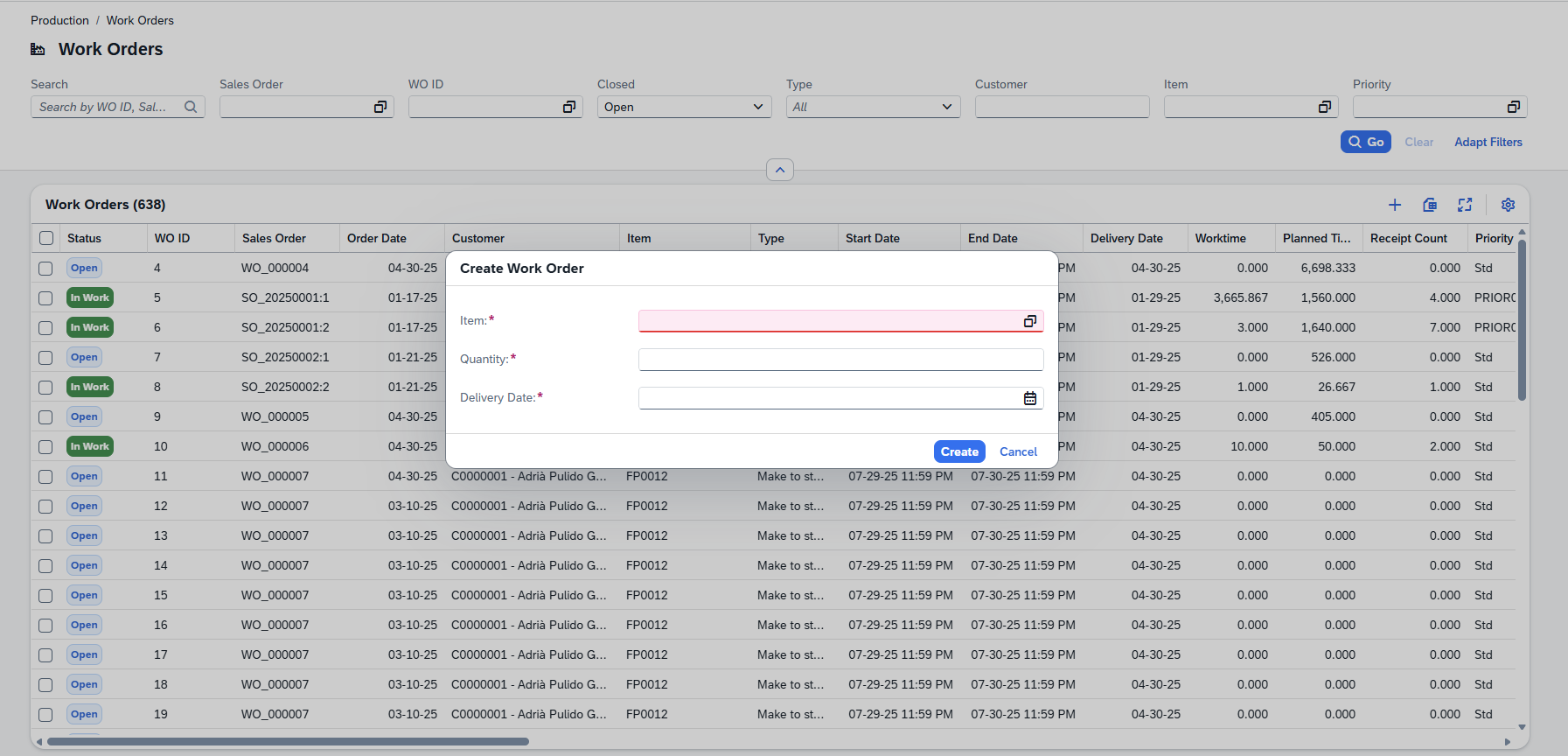
1.In the Work Orders list, click (+) in the top tool bar.
2.A dialog opens. Enter the required fields: Item code, Quantity to produce and Delivery Date.
3.Confirm the dialog. The new work order opens immediately in the detail page where you can fill in all remaining fields.
Note: Work orders can also be generated automatically from sales orders or from the MRP planning run. In those cases they appear in the list already populated with the relevant sales order reference, item and dates.